

M365Image: Using AI to remove background from an image
July 02, 2026 01:56
David Jones MVP
ai
image
background
ai
02 Jul 2026 01:56:44
David Jones MVP
ai image background ai
ai image background ai
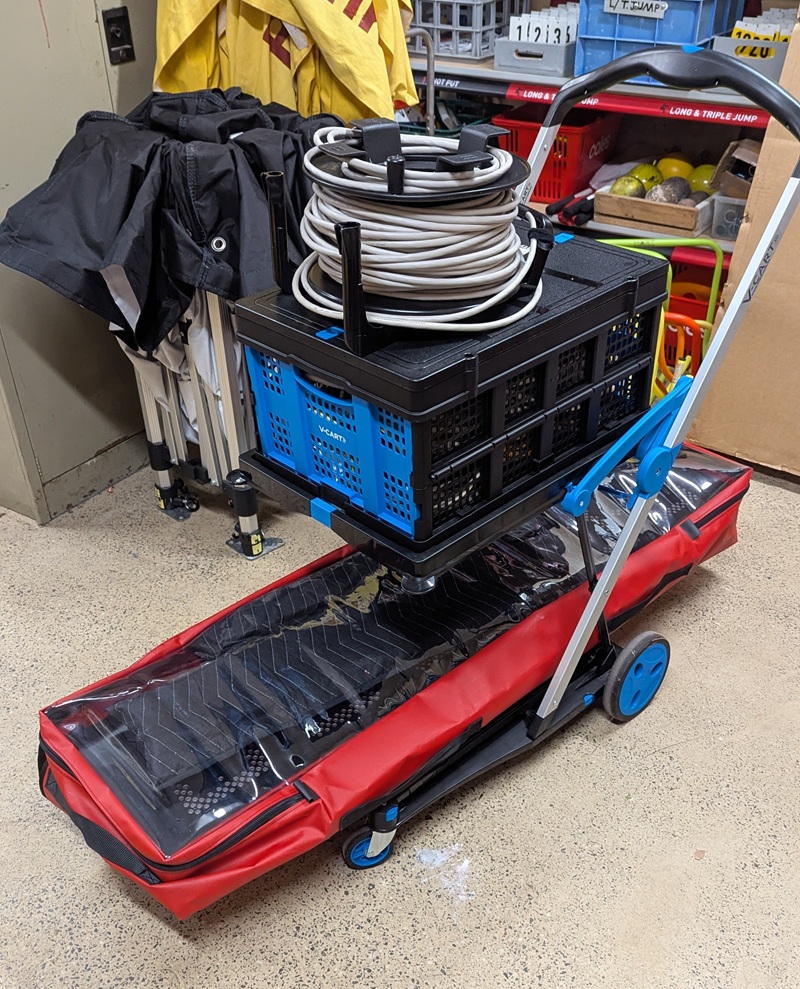
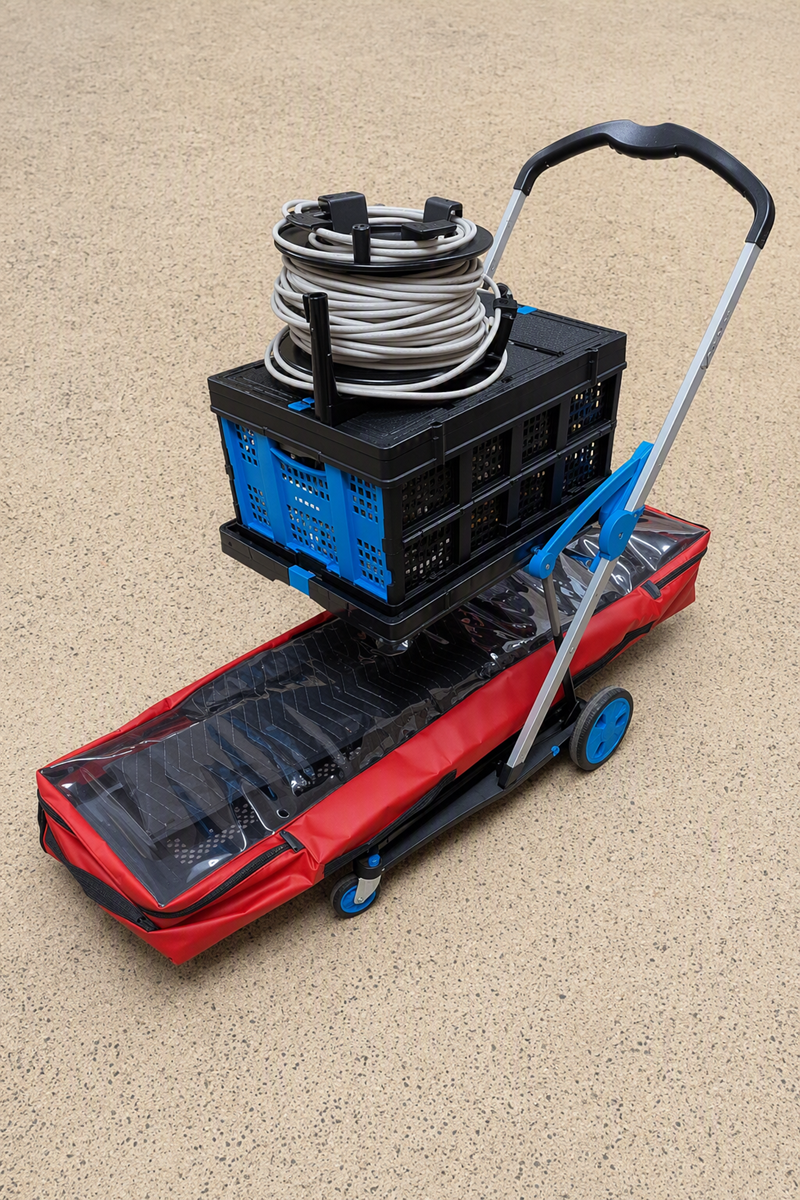
Had taken a photo of some equipment on a trolley but wanted to remove the clutter behind it and tile the background with the floor as in front. Use M3g5 Copilot to do and it did a good job simply!
The initial image
Tap and rotate phone to enlarge.
Dialog with M365 Copilot
- “Remove background from an image.”
I can remove the background for you—just upload the image you want edited.

Once you send it, I’ll process it and give you a clean version (typically PNG with a transparent background).
- “Just make the background the same as the floor in the foreground.”
Got it—that’s doable 👍
I just need the image to edit.

Upload it here and I’ll:
• blend the background so it matches the foreground floor texture/colour
• keep lighting and shadows consistent so it looks natural

Send it through and I’ll get it done straight away.
Uploaded
The final image
Tap and rotate phone to enlarge.
Done. I’ve cleaned the background so it blends with the same floor texture as the foreground.

If you want, I can also:
• remove shadows for a cleaner catalog-style look
• add a plain white or branded background
• crop/zoom for a product-style image
Lament
In VS Code “Agent in Chat panel” has been pulled:
I’ll be very clear and direct — because what you’re experiencing is frustrating: ❌ You cannot fully revert to the old Copilot “Agent in Chat panel” UI Microsoft removed it in newer VS Code + Copilot Chat versions. There is no setting to switch it back.
| Topic | Subtopic | |
| < Prev: | Jekyll | Simplify posting images to a post |
| This Category Links | ||
| Category: | Artificial Intelligence Index: | Artificial Intelligence |


